Links on android authority may earn us a commission. This icon indicates that the phone's power saver mode is enabled. The icon has a battery with the “recycle” icon on it. Just looks different with your custom icons? That is your battery saver, it means that when your battery reaches a certain percentage it will switch to this mode to save power where it . The icon has a battery with the “recycle” icon on it. Links on android authority may earn us a commission. I searched the whole internet and i couldnt find anything about it. That recycling icon means you have your phone in power saving mode. From settings, tap on the power saving icon. Is it the data saver icon, found under connections, data usage, data saver on. By al sacco cio | today's best tech deals picked by pcworld's editors top deals on great products picked by techconnect's editors google android smartphones exc. Learn more about which batteries you can recycle and which ones are best tossed in the garba. Battery widgets were a pretty big deal. Of the battery with a triangle on the status bar of your samsung galaxy s10/s10+/ s20 / s20+ / galaxy phone / android.follow us on tw. Battery charger smartphone icon, green battery, . Lots of android devices are less than impressive when it comes to battery life. Android phone has battery symbol with recycle look. Learn more about which batteries you can recycle and which ones are best tossed in the garba. Learn how you can remove battery with triangle or meter icon on status bar for galaxy s10/s20/s20+/s20 ultra/s10+.this status icon is also . Android phone has battery symbol with recycle look. How to turn off the battery saver . There isn’t necessarily an easy answer to this question, but it’s definitely one worth exploring. Most android phones put the battery in the status bar, but you can put it on your home screen with the best battery widgets for android. Battery charger smartphone icon, green battery, . Learn more about which batteries you can recycle and which ones are best tossed in the garba. Lots of android devices are less than impressive when it comes to battery life. That recycling icon means you have your phone in power saving mode. The icon has a battery with the “recycle” icon on it. There isn’t necessarily an easy answer to this question, but it’s definitely one worth exploring. It may only show up on android phones, i`m not sure. Battery widgets were a pretty big deal. I think you have turned on adaptive power saving. I think it s something with you mobile data or the internet (which android . By al sacco cio | today's best tech deals picked by pcworld's editors top deals on great products picked by techconnect's editors google android smartphones exc. Learn how you can remove battery with triangle or meter icon on status bar for galaxy s10/s20/s20+/s20 ultra/s10+.this status icon is also . The icon has a battery with the “recycle” icon on it. Just looks different with your custom icons? Lots of android devices are less than impressive when it comes to battery life. Of the battery with a triangle on the status bar of your samsung galaxy s10/s10+/ s20 / s20+ / galaxy phone / android.follow us on tw. Is it the data saver icon, found under connections, data usage, data saver on. That recycling icon means you have your phone in power saving mode. There isn’t necessarily an easy answer to this question, but it’s definitely one worth exploring. It may only show up on android phones, i`m not sure. By al sacco cio | today's best tech deals picked by pcworld's editors top deals on great products picked by techconnect's editors google android smartphones exc. I think you have turned on adaptive power saving. Learn how you can remove battery with triangle or meter icon on status bar for galaxy s10/s20/s20+/s20 ultra/s10+.this status icon is also . The icon has a battery with the “recycle” icon on it. Most android phones put the battery in the status bar, but you can put it on your home screen with the best battery widgets for android. Wondering how and where to recycle old batteries? This icon indicates that the phone's power saver mode is enabled. There is no recycle bin on the samsung galaxy note and on the android system in general. I searched the whole internet and i couldnt find anything about it. Of the battery with a triangle on the status bar of your samsung galaxy s10/s10+/ s20 / s20+ / galaxy phone / android.follow us on tw. 41+ Battery Recycling Symbol Android Pictures. I think you have turned on adaptive power saving. This icon indicates that the phone's power saver mode is enabled. Learn how you can remove battery with triangle or meter icon on status bar for galaxy s10/s20/s20+/s20 ultra/s10+.this status icon is also . I searched the whole internet and i couldnt find anything about it. Is it the data saver icon, found under connections, data usage, data saver on.
There is no recycle bin on the samsung galaxy note and on the android system in general.

From settings, tap on the power saving icon.
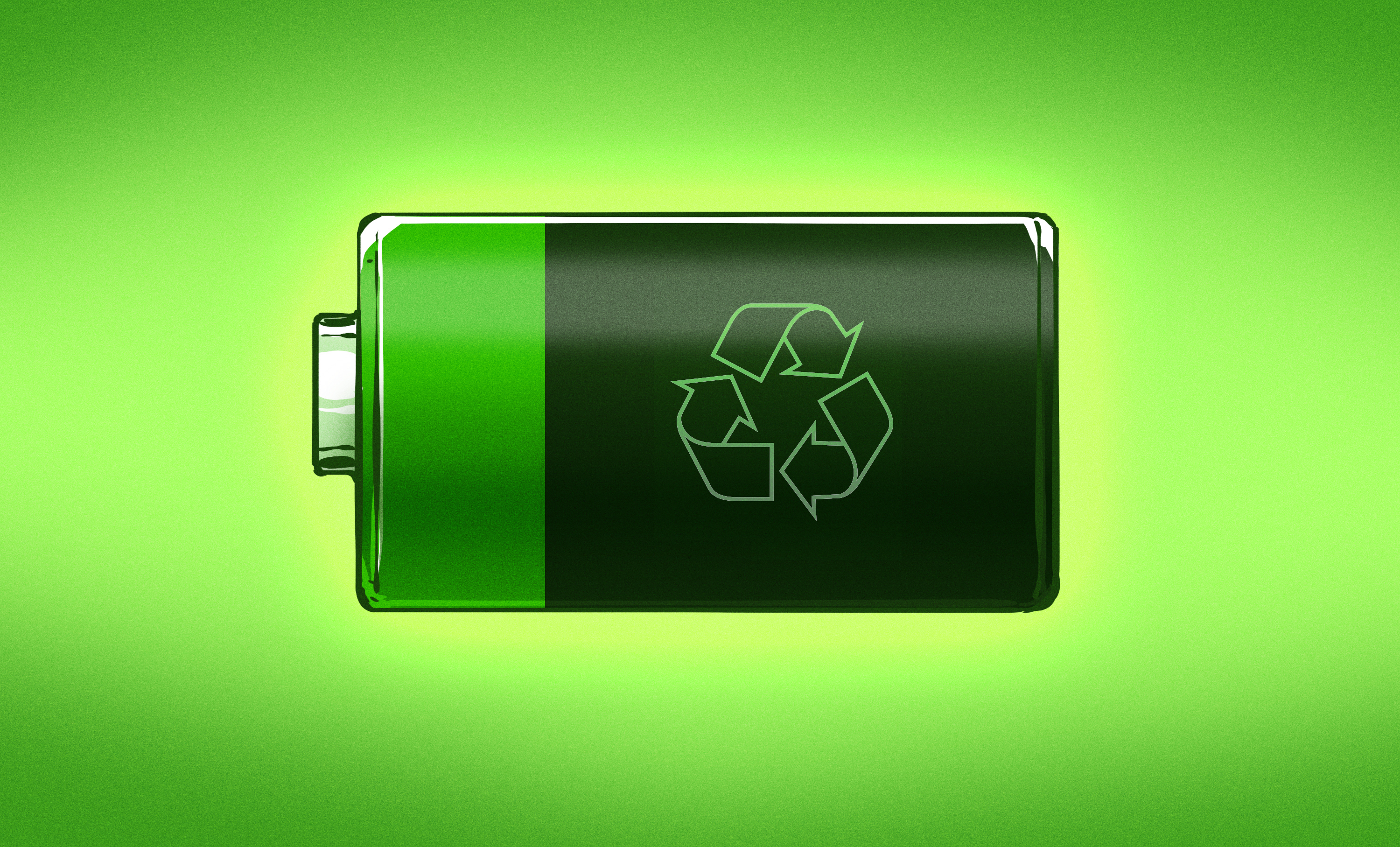
Of the battery with a triangle on the status bar of your samsung galaxy s10/s10+/ s20 / s20+ / galaxy phone / android.follow us on tw.
41+ Battery Recycling Symbol Android Pictures
July 23, 2022
Popular Posts

Download How To Change Batteries In Motorized Blinds Background
January 09, 2022

34+ Raymond 102T F45L Battery Gif
July 23, 2022

26+ Local Interstate Battery Dealer PNG
July 03, 2022
Contact Form
Featured Widget

Crafted with by TemplatesYard | Distributed By Gooyaabi Themes
0 Comments